The Backup Strategy That Saved My Business (And the One Mistake That Almost Ended It)

The Backup Strategy That Saved My Business (And the One Mistake That Almost Ended It)

My twins were seven years old when they wandered into my office, climbed onto my chair, and deleted a folder containing 340 client proofs from a recent corporate shoot. I was in the kitchen making lunch. I heard the sound of small fingers on a keyboard and felt something drop in my stomach before I even reached the doorway. I had those files restored in 90 seconds flat. That moment taught me something I try to pass on to every photographer I work with: a backup system isn’t something you set up when you have time.

Why Your RAW Files Are Lying to You (And How to Fix It Before It Costs You a Client)

Why Your RAW Files Are Lying to You (And How to Fix It Before It Costs You a Client)

The first time a client asked me why her product photos looked “different” from the preview images I’d shared during the shoot, I didn’t have a clean answer. The jpegs I’d shown her on my laptop looked punchy, warm, and finished. The delivered files, processed from RAW later that night, looked flat by comparison. Same shoot. Same camera. Completely different look. I’d forgotten to account for the camera’s built-in picture profile inflating the in-camera preview, and she’d built expectations around a lie.

Why Most Photographers Lose Clients Between the Shoot and the Gallery

Why Most Photographers Lose Clients Between the Shoot and the Gallery

I had a client email me three times in four days asking where her photos were. Not because I was late. Because I had never told her when to expect them. She didn’t know if she should be worried or patient, so she defaulted to worried. That silence between the shoot and the delivery is where most photographers bleed clients, referrals, and repeat business. The camera work was fine. The backend was a mess.

Why Shooting RAW Without a Real Processing Workflow Is Just Hoarding Pretty Files

Why Shooting RAW Without a Real Processing Workflow Is Just Hoarding Pretty Files

I once handed a client a USB drive full of JPEGs processed straight out of camera. This was early in my commercial work, after years at a newspaper where speed was the only thing that mattered. The photos were technically fine. The client came back two months later needing a reprint at a different crop ratio, and I had nothing to give her. The original exposures were gone. What I’d delivered was the end product, not a living file.

Your File System Is Costing You Clients (Here's How to Fix It Before the Next Shoot)

Your File System Is Costing You Clients (Here's How to Fix It Before the Next Shoot)

My twins are nine years old. Curious, fast, and completely unafraid of computers. A few years back, one of them was “helping” me at my desk and managed to drag an entire folder of client proofs into the trash and empty it before I’d even turned around. I had those files restored from a local backup in under 90 seconds. The kid was more upset about getting caught than I was about the files.

Why Shooting RAW Without a Real Processing Workflow Is Costing You Time and Clients

Why Shooting RAW Without a Real Processing Workflow Is Costing You Time and Clients

The Hard Truth About RAW Files Sitting on Your Drive I once delivered a commercial job to a product client three days late because I hadn’t standardized my RAW processing pipeline. I had the files. I had the selects. I just had no consistent system for getting from card to deliverable without reinventing the wheel on every shoot. The client was polite about it. They never hired me again. That experience cost me a relationship worth roughly $8,000 a year in repeat work.

If Your Hard Drive Died Tonight, Would Your Business Survive?

If Your Hard Drive Died Tonight, Would Your Business Survive?

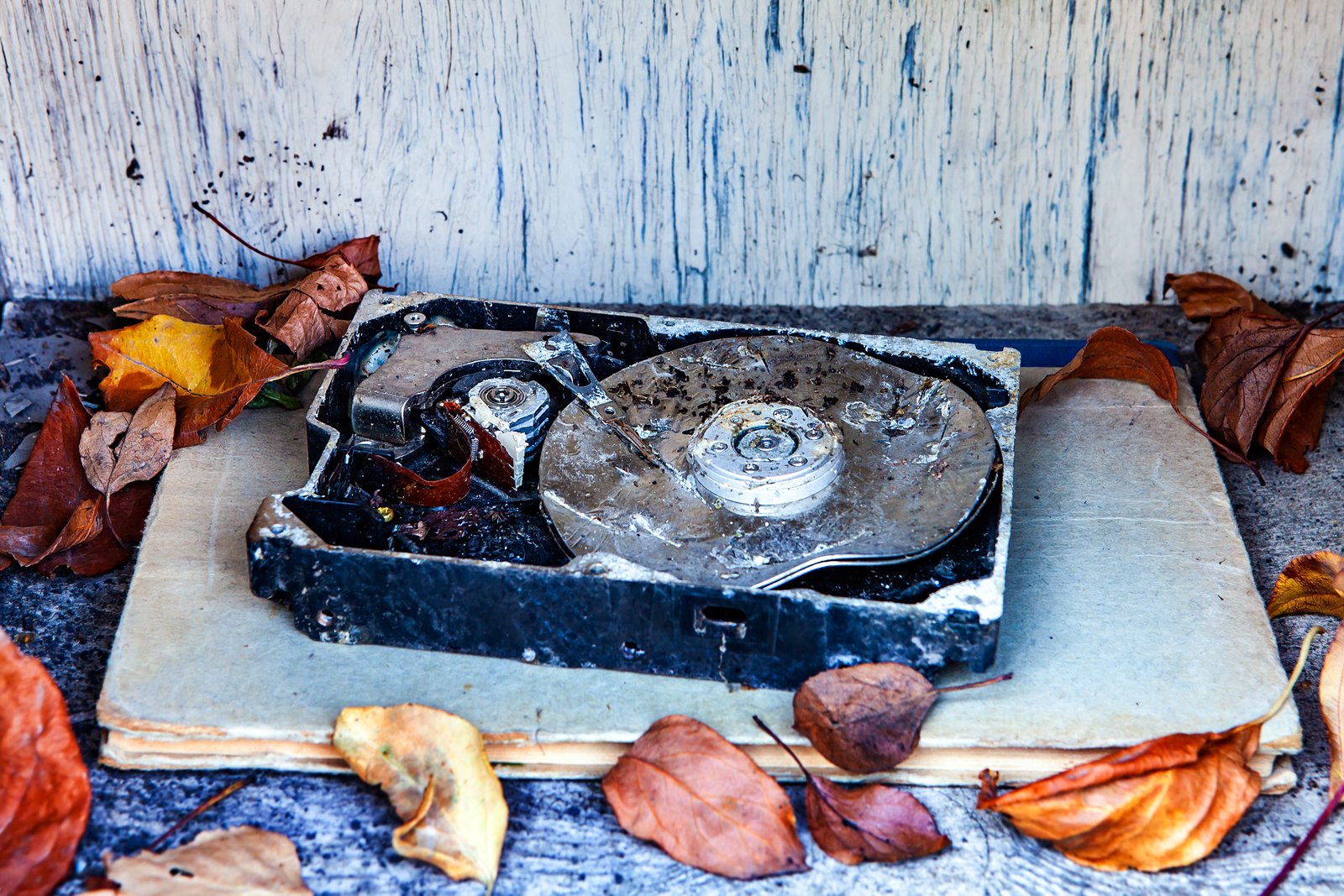
The Day I Became a Backup Paranoid In 2008, I shot a full wedding. Ceremony, reception, first dance, the ugly cry during the vows. Eight hours on my feet, 1,400 frames. I got home at midnight, poured a glass of water, and slotted the card into my reader. Corrupted. Every single file. I spent three days and $1,200 with a data recovery service. They got back about 60% of the images, most of them in rough shape.

The File Naming System That Saved My Client Relationship (And How to Build Yours)

The File Naming System That Saved My Client Relationship (And How to Build Yours)

When You Can’t Find the File, You’ve Already Lost A few years ago I got a call from a client asking for a specific product shot from a campaign we’d wrapped eight months earlier. Simple request. One hero image, white background, they needed it for a last-minute trade show print run. I told them I’d have it over within the hour. Forty-five minutes later I was still digging through folders named things like “Acme_FINAL,” “Acme_FINAL_v2,” and “Acme_use_this_one.

The Photographer's Workflow Stack That Saves Clients, Shoots, and Sanity

The Photographer's Workflow Stack That Saves Clients, Shoots, and Sanity

When a Corrupted Card Changes Everything In 2008, I handed a bride back her wedding photos and she got silence. Not the good kind. I’d shot her entire ceremony on a single card, the card corrupted on import, and every frame was gone. I spent three days on data recovery software, paid a specialist $400, and recovered maybe 40% of the images. It was the most professionally humiliating experience of my career, and I made a decision that night: I would never, under any circumstances, be one card deep again.

The 3-2-1 Backup Rule Saved My Business (and Why Most Photographers Are One Drive Failure Away From Disaster)

The 3-2-1 Backup Rule Saved My Business (and Why Most Photographers Are One Drive Failure Away From Disaster)

My twins were seven years old when they decided to help me “clean up” my desktop. In about four minutes, they deleted an entire folder of client proofs, roughly 340 processed JPEGs from a corporate headshot session I’d delivered the day before. I had them restored from my local backup in 90 seconds. The clients never knew. My kids were grounded for a weekend, but the business survived without a scratch.

The File Naming System That Saved My Business (And What Happens When You Skip It)

The File Naming System That Saved My Business (And What Happens When You Skip It)

My twins are eight years old and they have exactly zero respect for folder hierarchies. A few years back, they were messing around on my studio iMac while I was on a call, and one of them dragged an entire folder of client proofs into the Trash and emptied it. Four hundred selects from a two-day product shoot, gone. I finished my call, walked over, and had every file restored from my local backup drive in about 90 seconds.

The File System That Saved My Business (And the One That Almost Ended It)

The File System That Saved My Business (And the One That Almost Ended It)

My twins are eleven now. A few years back, they were poking around my office while I was on a call, and by the time I hung up, one of them had dragged an entire folder of client proofs into the trash and emptied it. About 340 selects from a product shoot, gone. I had them restored from my local backup in ninety seconds. My kids thought it was magic. I knew it was just a system that worked.