The Day I Became a Backup Paranoid
In 2008, I shot a full wedding. Ceremony, reception, first dance, the ugly cry during the vows. Eight hours on my feet, 1,400 frames. I got home at midnight, poured a glass of water, and slotted the card into my reader.
Corrupted. Every single file.
I spent three days and $1,200 with a data recovery service. They got back about 60% of the images, most of them in rough shape. I had to call the couple and explain what happened, which was one of the worst conversations I have had in my professional life. I refunded them in full, lost referrals I will never be able to count, and spent the better part of a month in a low-grade fog of shame and anxiety.
I have never lost a client’s file since. Not because I got lucky. Because I built a system.
Why Storage Fails (and Why “It Won’t Happen to Me” Is a Fantasy)
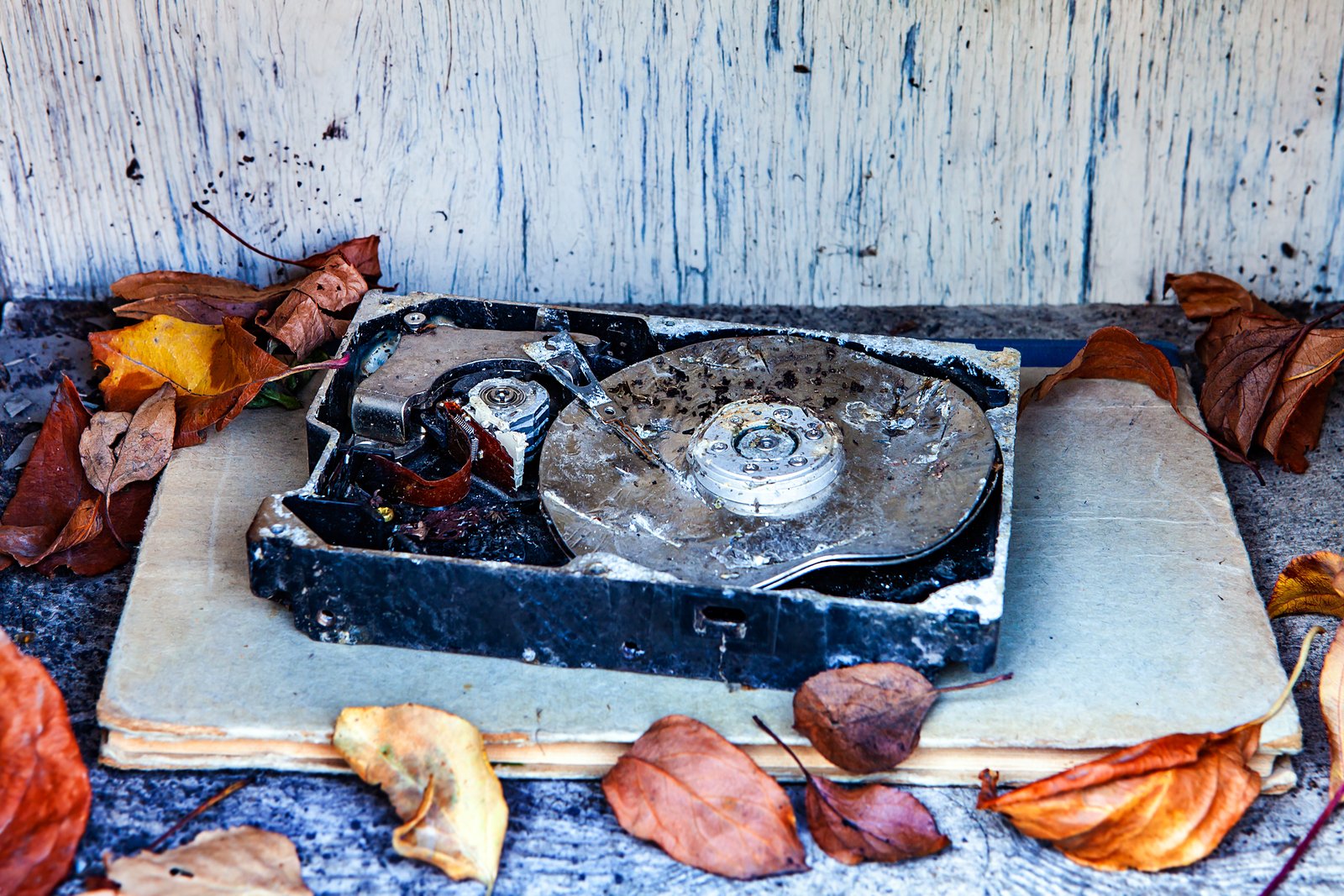
Hard drives have a failure rate that most photographers do not want to think about. Backblaze, which runs tens of thousands of consumer and prosumer drives in their data centers, publishes annual drive stats. Their data consistently shows annual failure rates between 1% and 5% depending on the drive model and age. Flash media, meaning your SD and CFast cards, can fail from heat, static, physical damage, or simple write-cycle exhaustion.
None of that accounts for human error, which is actually the more common culprit. Accidental deletion, an overwritten folder, a sync tool that propagates a mistake to every connected device before you notice. These are not edge cases. They are Tuesday.
The other thing working against you is silent corruption. A file can look fine in your browser, pass a thumbnail check, and then fail to open in Lightroom three weeks later. By then, your original card has been reformatted and reused a dozen times. The window to recover anything has closed.
The 3-2-1 Rule Applied to a Real Photography Business
You have probably heard of 3-2-1 backup: three copies, on two different media types, with one stored offsite. That is the framework. Here is what it looks like in practice for my workflow.
When I come home from a shoot, before I do anything else, I copy the raw files to my primary working drive, a Samsung T7 Shield 4TB at around $200. I then immediately duplicate that to a dedicated backup drive, a WD My Passport 5TB that stays connected to my editing machine. That second copy happens before I reformat a single card.
My third copy is cloud backup via Backblaze B2, which runs me about $7 per month for unlimited personal backup through their desktop client. It runs in the background and catches anything new within a few hours of me writing it to disk. This is my offsite copy, and it has saved me twice, once from a sync error and once when my twins, around age six, somehow navigated into a client proofs folder and deleted about 200 JPEGs. I had the folder restored and back on the drive in under two minutes. The kids thought it was magic. I thought it was $7 well spent.
Every month I do a restore test. I pull three random files from one of my backup drives and verify they open cleanly. This takes about five minutes and has caught two failing drives before they became emergencies.
Folder Naming and the Version Control Nobody Talks About
A backup strategy is only as good as your ability to find what you need when you need it. My folder structure is: Client Name / Year-Month-Day / RAW, EDIT, EXPORT, DELIVERED. No spaces in folder names. Dates formatted as YYYY-MM-DD so they sort chronologically without any effort.
Every time I export a delivery, I write the version number into the subfolder name. DELIVERED-v1, DELIVERED-v2. If a client comes back four months later asking for a different crop, I know exactly which files they received and what the state of my edit was at that moment. This has prevented at least three billing disputes that I am aware of.
Lightroom catalog backups go to a separate external drive entirely, not the same one holding my images. Lightroom can back up its catalog on quit, and I have that set to “once a week” with the destination pointed at a 1TB Samsung T5 I keep in my desk drawer. If my working drive fails and takes my catalog with it, I can be back up and running within an hour, not rebuilding from scratch.
Your Website Is Part of Your Backup Problem
Most photographers treat their website as a marketing asset and forget it is also a business-critical system. If you are on WordPress, your site can be wiped by a plugin conflict, a bad update, or a host-side failure. If you are on a portfolio platform like Squarespace or Format, you are at the mercy of their infrastructure.
I use WP Engine for hosting at around $25 per month on the Starter plan. It includes automated daily backups and one-click restore, which I have tested. I also run UpdraftPlus Pro, set to back up to a separate Google Drive folder every night, completely independent of my host. If WP Engine goes down and takes their backups with them, I still have my own copy. Two redundant systems for a website that generates real revenue is not paranoid. It is just math.
The Test Is the Only Thing That Matters
A backup you have never tested is not a backup. It is a hope. Run a restore. Open the files. Check the catalog. Click through your website after you roll it back on staging. The 20 minutes you spend doing this quarterly is the only insurance policy in photography that actually pays out when you need it.
Build the habit before you need the system, because once you need it, it is already too late to build anything.
Comments
Leave a Comment