The File Naming System That Saved My Business (And the One That Nearly Ended It)

The File Naming System That Saved My Business (And the One That Nearly Ended It)

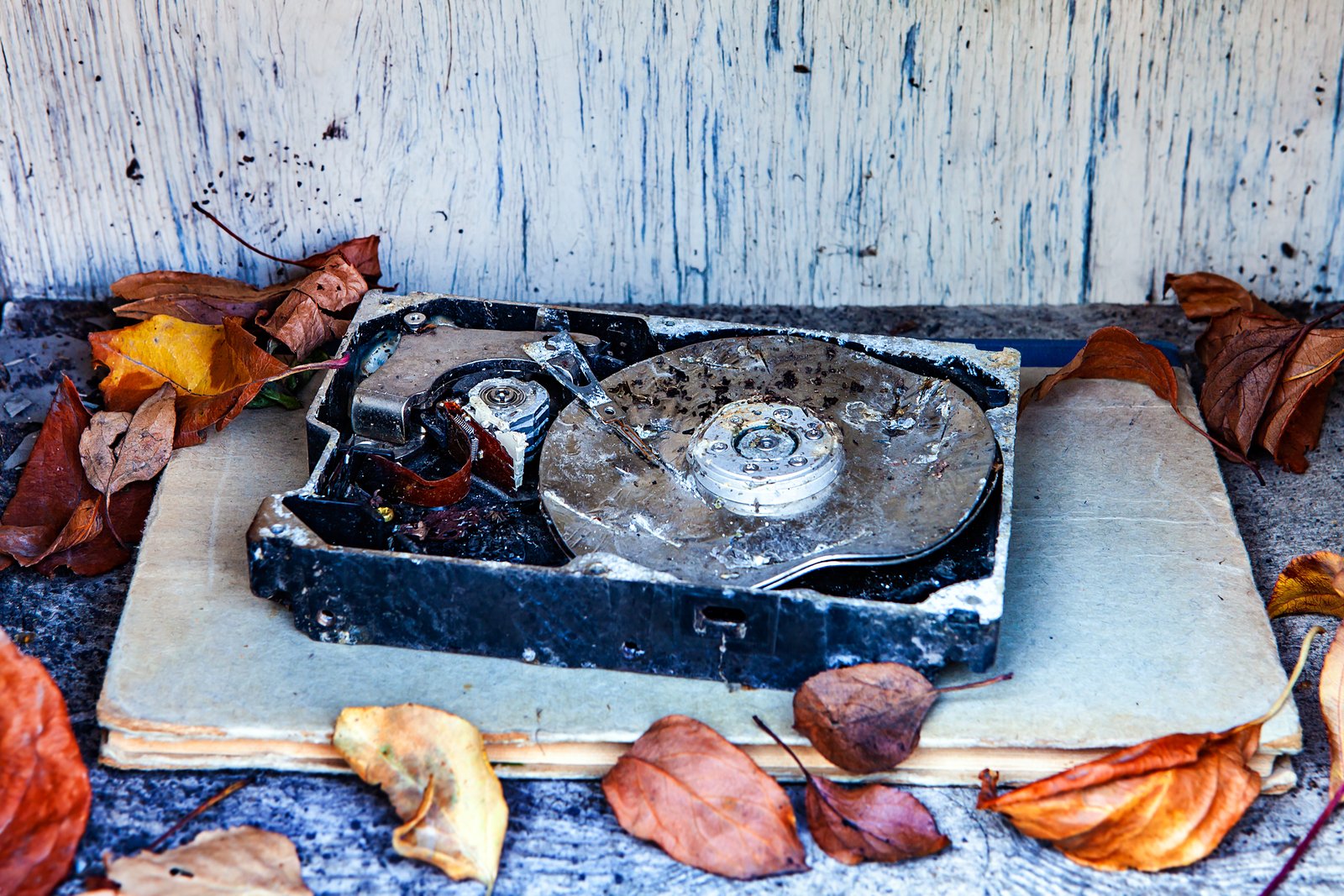
My twins are seven years old, and they are curious, and they are absolutely fearless around a trackpad. A couple of years ago, my daughter opened my laptop while I was making coffee and started clicking around in Lightroom. By the time I walked back into the room, she had selected and deleted an entire folder of client proofs, around 340 images from a commercial product shoot. I set down my mug, walked to my external drive, navigated to that morning’s automated backup, and had everything restored in about 90 seconds.

The File Naming System That Saved My Business (And Why Yours Is Probably a Mess)

The File Naming System That Saved My Business (And Why Yours Is Probably a Mess)

My twins are seven years old. They are curious, fast, and completely indifferent to the concept of a client deadline. A few years ago, one of them got hold of my keyboard while I was refilling my coffee and deleted an entire folder of proofs I had already delivered for client review. Gone. I had them restored from a versioned backup in 90 seconds. My kid thought it was magic. I knew it was just a system that worked.

The Photography Workflow That Keeps You Profitable

The Photography Workflow That Keeps You Profitable

I’ve shot thousands of weddings, portraits, and commercial projects over the past fifteen years. I’ve also watched talented photographers struggle—not because of their camera skills, but because their workflow was a mess and their websites weren’t doing the work. Here’s what I’ve learned: your technical ability means nothing if you can’t deliver on time or if prospects can’t find you online. Let me walk you through the systems that have kept me sane and profitable.

The Photographer's Backup Strategy That Actually Works

The Photographer's Backup Strategy That Actually Works

I’ve been shooting professionally for nearly two decades, and I’ve learned more from my mistakes than my successes. The biggest lesson? Your backup strategy is just as important as your shooting technique. I’ve watched talented photographers lose entire wedding galleries to hard drive failures. I’ve also seen photographers waste hundreds of hours managing disorganized files. Both problems cost money and credibility. Here’s what I’ve built over the years: a workflow that keeps clients informed, protects every frame, and scales without requiring a full-time operations manager.

The Client Workflow That Stops Chaos and Builds Your Photography Business

The Client Workflow That Stops Chaos and Builds Your Photography Business

I’ve been shooting professionally for nearly two decades, and I can tell you this: your technical skills don’t matter if your client workflow is broken. I’ve seen talented photographers lose money, clients, and their sanity because they had no system. So here’s what actually works. Start Before They Book Your workflow begins the moment someone lands on your website. Make your inquiry process stupidly simple. I use a single contact form that asks three things: event type, date, and budget range.

Stop Losing Money: The Client Workflow System That Actually Works

Stop Losing Money: The Client Workflow System That Actually Works

I’ve shot thousands of sessions over the past two decades, and I can tell you with absolute certainty: your workflow determines your profitability more than your camera ever will. Most photographers I know are leaving money on the table because their client process is a mess. Emails get lost in inboxes. Clients don’t know what to expect. Follow-ups happen randomly or not at all. Your website does the heavy lifting to get someone interested, then you drop the ball.

Pro Tips for Running a Tight Photography Workflow and Website

Pro Tips for Running a Tight Photography Workflow and Website

Pro Tips for Running a Tight Photography Workflow and Business Website I’ve shot thousands of weddings, events, and portraits over the past 15 years. I’ve also watched talented photographers fail because their business systems were a mess. Your technical skills only matter if you can deliver on time, communicate clearly, and make it easy for clients to hire you. Here’s what actually works. Nail Your Shoot-to-Delivery Pipeline The biggest time-killer I see is photographers treating each project like it’s their first.

File Management Systems That Actually Work: A Photographer's Guide

File Management Systems That Actually Work: A Photographer's Guide

I’ve lost files. Not recently, thank God, but enough times early in my career to know exactly how that panic feels. A failed drive, a corrupted card, a client shoot that vanished into the digital void—these aren’t theoretical disasters for photographers. They’re career threats. After twenty years shooting everything from weddings to corporate work, I’ve learned that file management isn’t sexy, but it’s non-negotiable. It’s the difference between a thriving business and one that implodes the moment something goes wrong.

Building a Client Workflow That Actually Works

Building a Client Workflow That Actually Works

Building a Client Workflow That Actually Works I’ve been shooting professionally for nearly two decades, and I can tell you this: your technical skills with a camera matter far less than your ability to manage clients smoothly. I’ve seen talented photographers lose business because their workflow was chaos. I’ve also seen mediocre shooters thrive because they had systems dialed in. The difference isn’t luck—it’s process. Why Workflow Matters More Than You Think A clear client workflow does three things: it protects your time, it protects your money, and it builds trust.