Your Photography Business Is Only as Strong as the Weakest Link in Your Workflow

Your Photography Business Is Only as Strong as the Weakest Link in Your Workflow

My twins deleted a folder of client proofs when they were seven years old. They were playing on my editing machine, thought they were closing a window, and wiped out 340 images I’d already culled and color-graded for a corporate headshot client. The whole thing. Gone. I had them restored in 90 seconds from a local backup. My kids thought it was magic. I knew it was just a system doing its job.

Why Shooting RAW Without a Real Processing Workflow Is Costing You Hours and Clients

Why Shooting RAW Without a Real Processing Workflow Is Costing You Hours and Clients

The File Format Isn’t the Problem. Your Workflow Is. I spent years shooting for a daily newspaper. Deadlines were not suggestions. You delivered clean, print-ready images by a hard stop, or someone else did. There was no room for “I’m still processing” or “my catalog is being weird.” That environment shaped everything about how I approach files to this day, and nothing exposed weak workflows faster than RAW. RAW is not a magic format.

Why Your Prints Look Nothing Like Your Screen (And How to Fix It Before You Ruin a Client Order)

Why Your Prints Look Nothing Like Your Screen (And How to Fix It Before You Ruin a Client Order)

I once handed a client a 24x36 canvas of her family portrait and watched her face fall. The image on her wall looked like it had been shot through a brown paper bag. The deep blues in the background had gone muddy. The skin tones were orange in a way that no living human being has ever actually been orange. She was gracious about it. I was mortified. That print had to be redone at my expense, and the lesson cost me about $180 and a week of anxiety.

Why Shooting RAW Without a Real Processing Workflow Is Just Hoarding Hard Drive Space

Why Shooting RAW Without a Real Processing Workflow Is Just Hoarding Hard Drive Space

The File Format That Rewards Preparation and Punishes Laziness I shoot RAW. I have since 2004, when I was working on the photo desk at a daily paper and realized that even under brutal deadline pressure, having the latitude to fix a blown highlight or recover a muddy shadow was worth the extra steps. Back then, we were wrangling Nikon NEFs on machines that took 45 seconds to render a single preview.

The Client Workflow System That Keeps Me Sane (and Keeps Clients Coming Back)

The Client Workflow System That Keeps Me Sane (and Keeps Clients Coming Back)

The email came in at 11:47 PM on a Tuesday. “Hey, just checking in on the photos from last week’s shoot, any idea when those will be ready?” I had delivered them three days earlier. The client never got the notification, never saw the gallery link, and had been quietly stewing for 72 hours while I had no idea anything was wrong. That was the moment I stopped treating my client workflow as an afterthought and started treating it like a product I was selling.

The Client Workflow System That Stopped My Business From Running Me

The Client Workflow System That Stopped My Business From Running Me

The Moment I Realized I Had No System A few years into running my commercial photography business, I got a call from a client asking where their gallery was. I had delivered it. I was certain I had delivered it. Except when I went to find the confirmation email, I found a draft sitting in my outbox that had never actually sent. The gallery had been ready for four days. The client had been waiting in silence, already mentally composing a one-star review.

The Client Workflow System That Stopped Me From Losing Sleep (and Losing Clients)

The Client Workflow System That Stopped Me From Losing Sleep (and Losing Clients)

I used to run my client process the way a lot of photographers do early on: reactively. Someone would email me, I’d reply when I remembered, send a contract when they asked for one, deliver files when I got around to editing them. I thought I was being flexible. What I was actually being was unprofessional, and my repeat booking rate showed it. It took a stint shooting for a daily newspaper, where missing a deadline meant someone else filed your frame and your editor stopped calling, to understand that a workflow isn’t a luxury.

Why Monitor Calibration Isn't Optional in Professional Photography

Why Monitor Calibration Isn't Optional in Professional Photography

Why Monitor Calibration Isn’t Optional in Professional Photography I’ve been shooting and editing for twenty years. In that time, I’ve seen talented photographers destroy their reputations and lose clients over one thing that has nothing to do with their creative skill: a miscalibrated monitor. You can nail the perfect exposure, compose like Annie Leibovitz, and still deliver images that look nothing like what the client saw on their screen. That’s not your fault—until it is, because you didn’t calibrate your display.

Why Monitor Calibration Isn't Optional for Professional Photographers

Why Monitor Calibration Isn't Optional for Professional Photographers

Why Monitor Calibration Isn’t Optional for Professional Photographers I’ve been shooting professionally for nearly two decades, and I can tell you exactly when I stopped losing money on color corrections: the day I stopped ignoring monitor calibration. This isn’t about perfectionism or gear obsession. This is about economics. Every uncalibrated monitor is a money leak in your business—bad color decisions during editing, client revisions because skin tones looked wrong on your screen, prints that don’t match your expectations.

The Backup Strategy That Saved My Photography Business (And Will Save Yours)

The Backup Strategy That Saved My Photography Business (And Will Save Yours)

I’ve been shooting professionally for twenty years, and I can tell you exactly when backup strategy stopped being optional: the day my primary drive failed mid-shoot season. I lost three days of recent work before recovery, paid $2,400 for data retrieval, and nearly lost a major client over delayed delivery. That mistake cost me more than a year’s worth of proper backup systems would have. Most photographers treat backups like they treat contract reviews—something they’ll get to eventually.

Tethered Shooting: Why It's Non-Negotiable for Professional Work

Tethered Shooting: Why It's Non-Negotiable for Professional Work

Why I Switched to Tethered Shooting (and Never Looked Back) I spent fifteen years shooting without tether. I’d review images on the back of my camera, trust my experience, and move forward. Then I did a high-budget commercial shoot where the art director caught a focus issue on shot 247—after I’d already broken down half my gear. That mistake cost us a reshoot day. That’s when I committed to tethered shooting, and it fundamentally changed how I work.

Tethered Shooting: Why It Belongs in Your Professional Workflow

Tethered Shooting: Why It Belongs in Your Professional Workflow

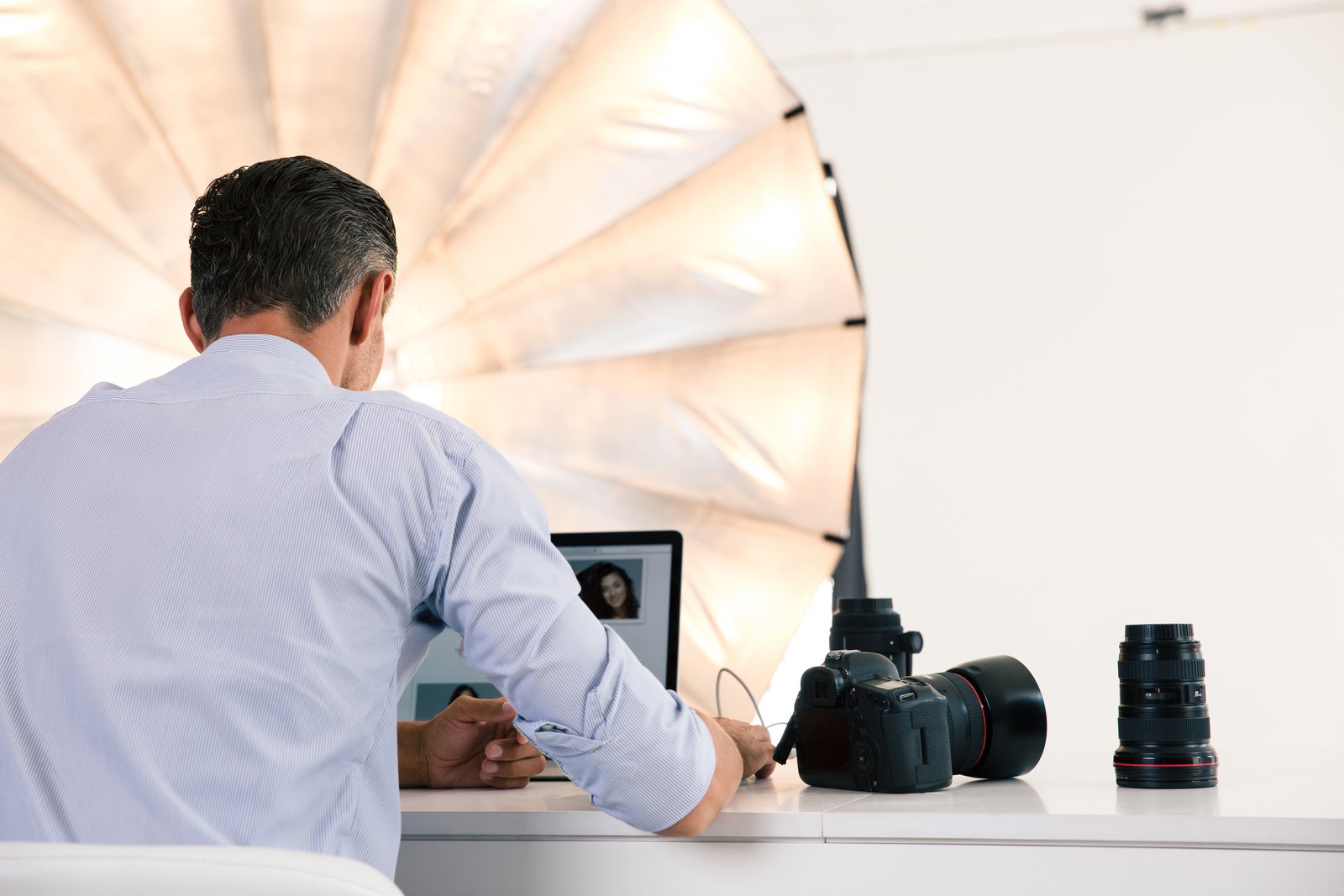
Why Tethered Shooting Isn’t Optional Anymore I spent the first ten years of my career reviewing shots on the back of my camera—squinting at a three-inch screen, second-guessing focus, and shooting twice as many frames as I needed. Then I went tethered, and I honestly wonder how I ever worked without it. Tethered shooting means connecting your camera directly to a computer or tablet so images display on a larger screen in real-time.