Why Your Prints Look Nothing Like Your Screen (And How to Fix It Before the Client Sees)

Why Your Prints Look Nothing Like Your Screen (And How to Fix It Before the Client Sees)

I sent a 24x36 canvas to a lab once and got back something that looked like it had been photographed through a dirty windshield. The blues had gone muddy, the skin tones were orange, and the shadow detail I’d spent twenty minutes recovering in Lightroom had completely disappeared. The client was a corporate headshot account. They wanted fifty prints. I ate the cost of the first run and rebuilt my entire print prep process that week.

The File Naming System That Saved My Client Relationship (And How to Build Yours)

The File Naming System That Saved My Client Relationship (And How to Build Yours)

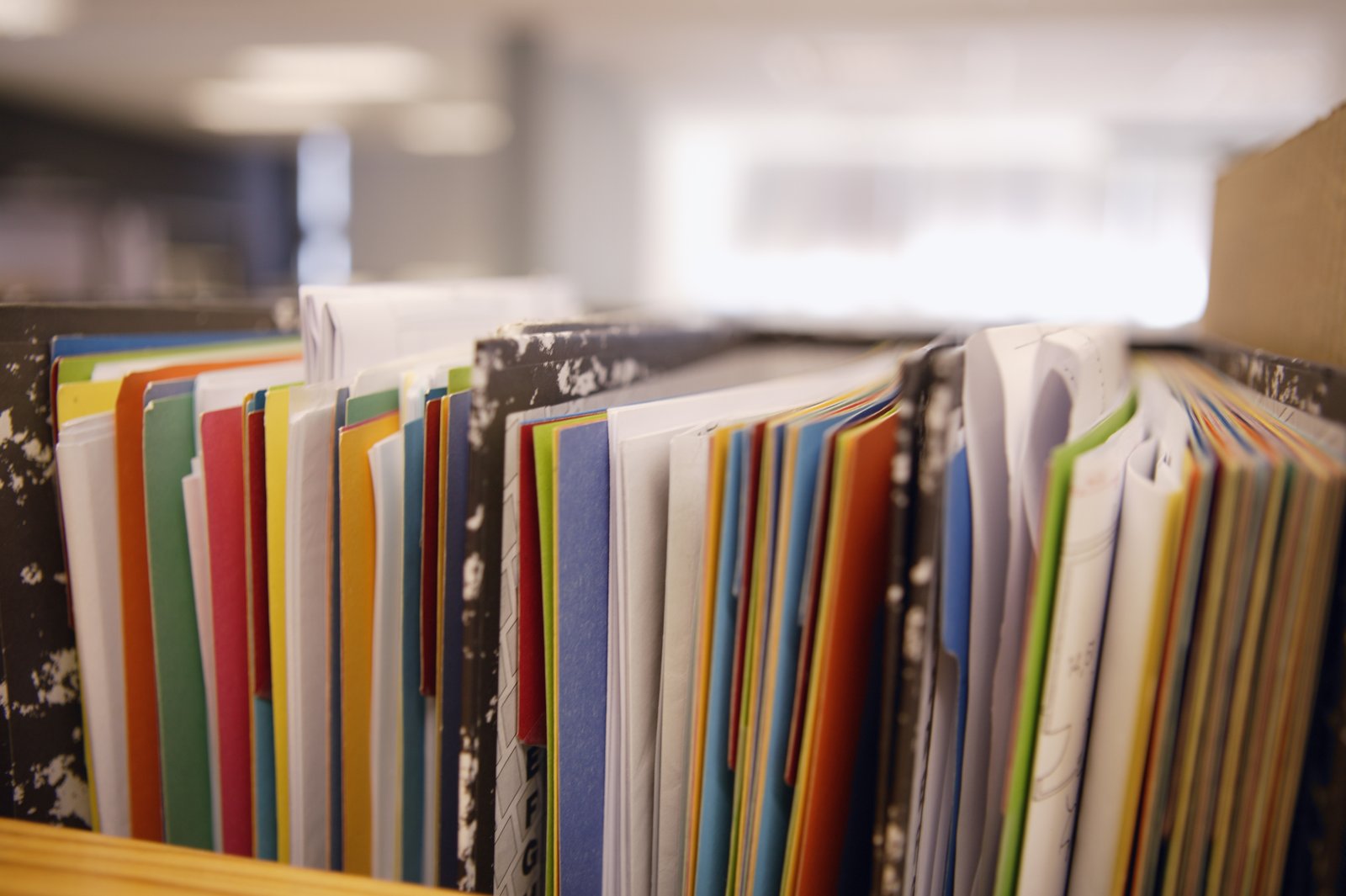
When You Can’t Find the File, You’ve Already Lost A few years ago I got a call from a client asking for a specific product shot from a campaign we’d wrapped eight months earlier. Simple request. One hero image, white background, they needed it for a last-minute trade show print run. I told them I’d have it over within the hour. Forty-five minutes later I was still digging through folders named things like “Acme_FINAL,” “Acme_FINAL_v2,” and “Acme_use_this_one.

Your Monitor Is Lying to You: How Calibration Fixes the Invisible Gap in Your Photography Workflow

Your Monitor Is Lying to You: How Calibration Fixes the Invisible Gap in Your Photography Workflow

The Print That Came Back Wrong A few years into shooting commercial work, I handed off a product catalog job to a client’s print vendor. The images looked clean on my screen, beautiful even. The printed proofs came back looking like someone had applied a yellow filter and drained about 30% of the saturation. The client was unhappy. The vendor blamed me. I blamed the vendor. We were both partially right, but the root cause was sitting on my desk the whole time: an uncalibrated monitor that had drifted so far from any color standard that I had no idea what I was actually sending out.

Your Monitor Is Lying to You: How Calibration Fixes the Gap Between Your Screen and Your Client's Prints

Your Monitor Is Lying to You: How Calibration Fixes the Gap Between Your Screen and Your Client's Prints

The Print That Came Back Wrong A few years into my commercial work, I delivered a product shoot to a client who called me two days later. Her printer had run the job, and the product’s brand color, a specific warm terracotta red, had come out looking like a muddy orange. The files looked perfect on my screen. That was the problem. I had been editing on a Dell monitor I’d bought without ever calibrating it.

Why Shooting RAW Without a Real Processing Workflow Is Just Hoarding Data

Why Shooting RAW Without a Real Processing Workflow Is Just Hoarding Data

I used to shoot JPEG for a newspaper. Fast delivery, small files, editors happy. Then I went commercial and started shooting RAW, and for the first six months I treated those files like I’d treated JPEGs, which is to say I’d dump them into Lightroom, make a few slider adjustments, and export. I was leaving a lot on the table and didn’t know it yet. What changed my thinking wasn’t a tutorial.

Your Photography Business Is Only as Strong as the Weakest Link in Your Workflow

Your Photography Business Is Only as Strong as the Weakest Link in Your Workflow

My twins deleted a folder of client proofs when they were seven years old. They were playing on my editing machine, thought they were closing a window, and wiped out 340 images I’d already culled and color-graded for a corporate headshot client. The whole thing. Gone. I had them restored in 90 seconds from a local backup. My kids thought it was magic. I knew it was just a system doing its job.

Why Shooting RAW Without a Real Processing Workflow Is Costing You Hours and Clients

Why Shooting RAW Without a Real Processing Workflow Is Costing You Hours and Clients

The File Format Isn’t the Problem. Your Workflow Is. I spent years shooting for a daily newspaper. Deadlines were not suggestions. You delivered clean, print-ready images by a hard stop, or someone else did. There was no room for “I’m still processing” or “my catalog is being weird.” That environment shaped everything about how I approach files to this day, and nothing exposed weak workflows faster than RAW. RAW is not a magic format.

Why Your Prints Look Nothing Like Your Screen (And How to Fix It Before You Ruin a Client Order)

Why Your Prints Look Nothing Like Your Screen (And How to Fix It Before You Ruin a Client Order)

I once handed a client a 24x36 canvas of her family portrait and watched her face fall. The image on her wall looked like it had been shot through a brown paper bag. The deep blues in the background had gone muddy. The skin tones were orange in a way that no living human being has ever actually been orange. She was gracious about it. I was mortified. That print had to be redone at my expense, and the lesson cost me about $180 and a week of anxiety.

Why Shooting RAW Without a Real Processing Workflow Is Just Hoarding Hard Drive Space

Why Shooting RAW Without a Real Processing Workflow Is Just Hoarding Hard Drive Space

The File Format That Rewards Preparation and Punishes Laziness I shoot RAW. I have since 2004, when I was working on the photo desk at a daily paper and realized that even under brutal deadline pressure, having the latitude to fix a blown highlight or recover a muddy shadow was worth the extra steps. Back then, we were wrangling Nikon NEFs on machines that took 45 seconds to render a single preview.

The Client Workflow System That Keeps Me Sane (and Keeps Clients Coming Back)

The Client Workflow System That Keeps Me Sane (and Keeps Clients Coming Back)

The email came in at 11:47 PM on a Tuesday. “Hey, just checking in on the photos from last week’s shoot, any idea when those will be ready?” I had delivered them three days earlier. The client never got the notification, never saw the gallery link, and had been quietly stewing for 72 hours while I had no idea anything was wrong. That was the moment I stopped treating my client workflow as an afterthought and started treating it like a product I was selling.

Your Photography Business Is Only As Strong As the Systems Behind It

Your Photography Business Is Only As Strong As the Systems Behind It

My twins deleted a folder of client proofs when they were seven years old. They were “helping” on my computer, thought they were clearing out junk, and moved about 340 edited JPEGs straight to the trash and emptied it. I had those files restored from a local backup drive in 90 seconds. Not because I’m a tech wizard. Because I’d built a system that assumed humans, including small ones with curious fingers, would eventually make a catastrophic mistake.

The Client Workflow System That Stopped My Business From Running Me

The Client Workflow System That Stopped My Business From Running Me

The Moment I Realized I Had No System A few years into running my commercial photography business, I got a call from a client asking where their gallery was. I had delivered it. I was certain I had delivered it. Except when I went to find the confirmation email, I found a draft sitting in my outbox that had never actually sent. The gallery had been ready for four days. The client had been waiting in silence, already mentally composing a one-star review.