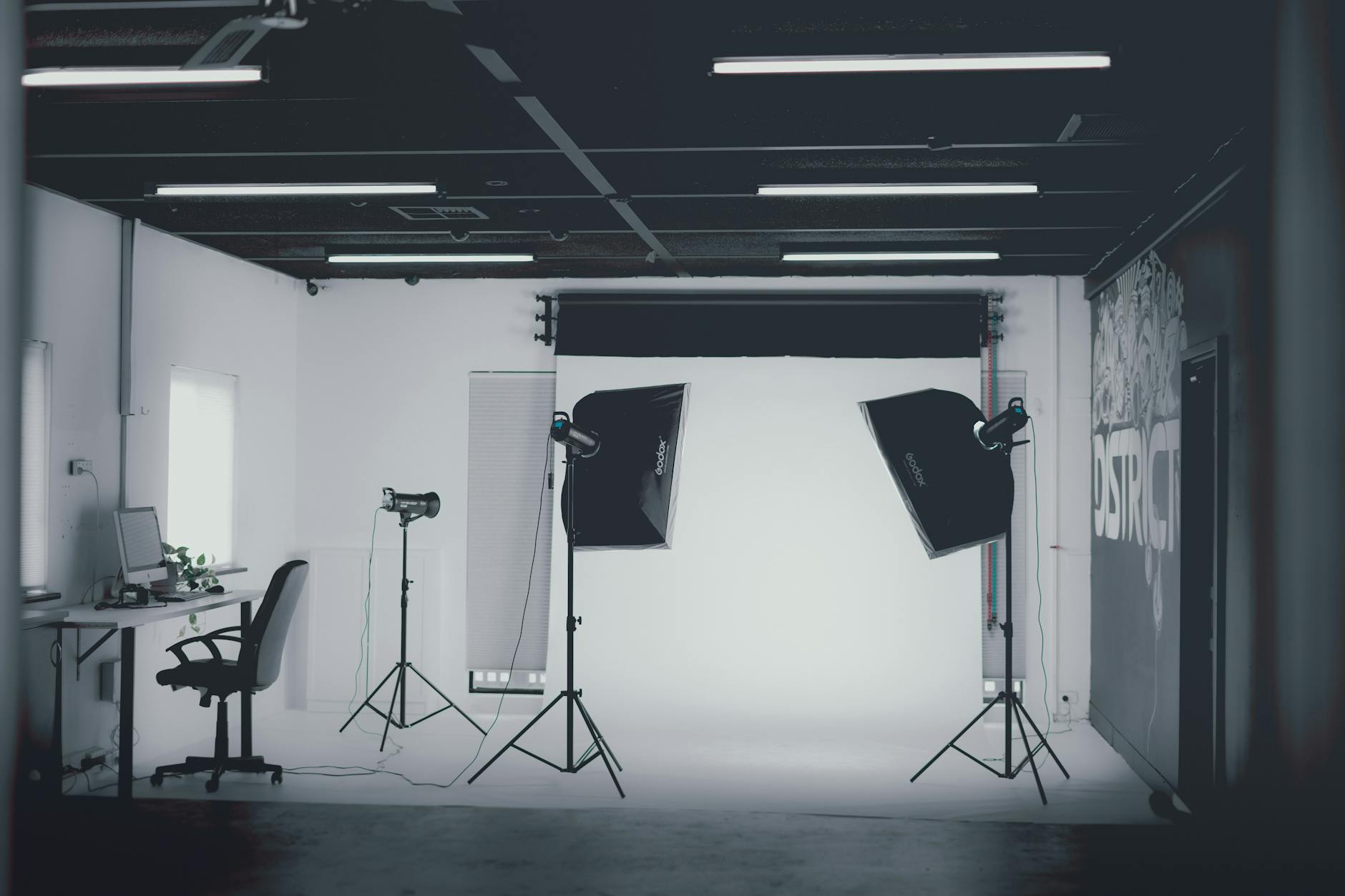
Tethered Shooting: Why Every Professional Studio Should Be Doing It
I didn’t embrace tethered shooting until about eight years into my career, and I’ll be honest—it felt like extra complexity at first. Then I realized I was leaving money and credibility on the table. Now it’s non-negotiable for any session that happens in my studio.
What Tethered Shooting Actually Does for Your Business
Tethered shooting means your camera feeds images directly to a computer display in real time. That’s the technical definition. But here’s what it does for your business: it eliminates the gap between capture and review, kills client anxiety, and catches problems before they compound.
I learned this the hard way on a corporate headshot day. Without tethering, I shot 200 frames, got back to post-processing, and found three of my main subjects had closed eyes or odd expressions. I could’ve caught that in the moment. Now, when a client is sitting across the room watching images appear on a monitor, they point out issues instantly. A hair out of place, a tie needing adjustment, lighting that needs tweaking—we fix it then and there.
The Technical Foundation
You’ll need four things: a camera with USB tethering capability (nearly all modern DSLRs and mirrorless cameras), a reliable USB cable or wireless connection, tethering software, and a display positioned so both you and your client can see it comfortably.
I use Capture One for most work, though Lightroom’s tethering mode works fine if you’re already in that ecosystem. The key difference? Capture One gives you better color accuracy out of the box and more granular control, which matters when you’re making real-time creative decisions. Lightroom is cheaper and integrates seamlessly if you’re already managing your archive there.
For the display, invest in something 24 inches or larger. A cheap monitor is a false economy here. Your client’s first impression of the images should be accurate. I use a calibrated display positioned at a 90-degree angle to my shooting position—client on one side, me on the other.
Workflow Settings That Actually Matter
Set your tethering software to automatically import and organize shots into a session folder. Don’t rely on manual sorting later; it’s where I’ve lost images and created duplicates.
Enable color management from the start. Your camera is writing one interpretation, but what appears on screen depends on your software and monitor calibration. I calibrate my display monthly using an X-Rite i1Display Pro. Non-negotiable.
Create custom metadata templates that populate automatically—copyright info, location, client name. This saves hours during post-processing and prevents metadata errors that cause problems down the line.
The Client Experience Advantage
Here’s the angle most photographers miss: tethering is a confidence builder. When a bride, executive, or product client watches their images appear on screen in real time, they see your competence in action. They watch you solve problems, adjust composition, and nail the shot. That’s worth thousands in perceived value and trust.
I’ve had clients ask me to print images on-site and leave with them same-day because the images were right there, reviewed and confirmed. That’s a service clients remember and talk about.
Practical Cautions
Cable tethering is more reliable than wireless, but it limits your movement. I use a 16-foot cable and position myself accordingly. Wireless tethering is convenient until it isn’t—I’ve had 2.4GHz interference kill a session. If you go wireless, have a cable backup.
Update your software and camera firmware regularly. Compatibility is fragile; outdated drivers create frustrating connection drops mid-session.
Finally, have a contingency plan. Keep a tablet nearby for image review if the main system fails. I’ve abandoned the computer entirely and shot tethered to an iPad when I had software issues.
The Bottom Line
Tethered shooting isn’t about keeping up with trends. It’s about building a professional system that catches mistakes before they become problems and builds client confidence while you’re working. After nearly two decades, it’s been one of the highest-ROI process changes I’ve made.
Comments
Leave a Comment