Why Monitor Calibration is Non-Negotiable in Professional Photography

Why Monitor Calibration is Non-Negotiable in Professional Photography

I’ve been shooting professionally for twenty years, and I can tell you with absolute certainty: calibration is where amateurs and professionals diverge. Not on composition. Not on lighting technique. On the unglamorous act of making sure the colors you’re editing actually match what your clients see. I learned this the hard way. Early in my career, I delivered a wedding album with what looked like perfect skin tones on my uncalibrated monitor.

Tethered Shooting: Why It's Non-Negotiable for Professional Work

Tethered Shooting: Why It's Non-Negotiable for Professional Work

Why I Switched to Tethered Shooting (and Never Looked Back) I spent fifteen years shooting without tether. I’d review images on the back of my camera, trust my experience, and move forward. Then I did a high-budget commercial shoot where the art director caught a focus issue on shot 247—after I’d already broken down half my gear. That mistake cost us a reshoot day. That’s when I committed to tethered shooting, and it fundamentally changed how I work.

Why Monitor Calibration Isn't Optional for Professional Photographers

Why Monitor Calibration Isn't Optional for Professional Photographers

Why Monitor Calibration Isn’t Optional for Professional Photographers I’ve been shooting professionally for nearly two decades, and I can tell you exactly when I stopped losing money on color corrections: the day I stopped ignoring monitor calibration. This isn’t about perfectionism or gear obsession. This is about economics. Every uncalibrated monitor is a money leak in your business—bad color decisions during editing, client revisions because skin tones looked wrong on your screen, prints that don’t match your expectations.

Raw Processing as Your Competitive Edge: A Pro's Workflow

Raw Processing as Your Competitive Edge: A Pro's Workflow

Raw Processing as Your Competitive Edge: A Pro’s Workflow I’ve shot everything from weddings to corporate campaigns over the past 15 years, and I can tell you this with absolute certainty: your raw processing workflow is where amateurs become professionals. Not in the shooting—that’s table stakes. The real money and reputation are made in how efficiently and consistently you deliver polished images. Raw processing isn’t about making bad shots good. It’s about establishing a system that gets you from import to delivery without wasting a single hour.

Why Monitor Calibration Isn't Optional—It's Professional Insurance

Why Monitor Calibration Isn't Optional—It's Professional Insurance

I’ve seen talented photographers lose clients over color shifts they didn’t even know existed. The culprit? An uncalibrated monitor. It’s not glamorous work, but it’s non-negotiable if you’re serious about running a professional operation. The Real Cost of Skipping This Step Let me be direct: if you’re not calibrating your monitor, you’re gambling with every single image you deliver. Your screen might look perfect to you while displaying a color cast that’s obvious to everyone else.

Raw Processing in Professional Photography: A Workflow That Protects Your Business

Raw Processing in Professional Photography: A Workflow That Protects Your Business

I’ve been shooting professionally for nearly two decades, and I can tell you with absolute certainty: your shooting technique matters, but your processing workflow determines whether you’re running a sustainable business or constantly putting out fires. Raw processing isn’t just about making images look better. It’s about protecting yourself legally, maintaining consistency across jobs, and creating an efficient pipeline that doesn’t hemorrhage time and money. Why Raw Isn’t Optional Let me be direct: if you’re delivering JPEGs straight from your camera, you’re leaving money on the table and creating liability.

Calibration and Catalog Management: The Unglamorous Foundation of Professional Photography

Calibration and Catalog Management: The Unglamorous Foundation of Professional Photography

Calibration and Catalog Management: The Unglamorous Foundation of Professional Photography I’ve spent the last two decades handing off photos to clients, and I can tell you exactly which photographers get repeat business and which ones fade into obscurity. It’s not the ones with the fanciest gear or the most Instagram followers. It’s the ones who nail two seemingly boring fundamentals: calibration and catalog management. Nobody gets excited about these topics at coffee shop photography meetups, but they’re what separate professionals from part-timers.

Tethered Shooting and Backup Strategy: Protecting Your Professional Workflow

Tethered Shooting and Backup Strategy: Protecting Your Professional Workflow

I’ve shot thousands of assignments across three decades. I’ve also lost data, missed backups, and watched photographers panic when their primary card failed mid-event. The difference between professionals who survive these moments and those who don’t comes down to one thing: a bulletproof tethered shooting and backup strategy. Why Tethering Matters Beyond the Monitor Most photographers think tethering is just about seeing images larger during a shoot. That’s the bonus feature.

Backup Strategy and Tethered Shooting: Non-Negotiable Elements of Professional Workflow

Backup Strategy and Tethered Shooting: Non-Negotiable Elements of Professional Workflow

Backup Strategy and Tethered Shooting: Non-Negotiable Elements of Professional Workflow I’ve lost work. Not much, and not recently, but I’ve lost enough to know exactly what panic feels like when a drive fails mid-project. That experience cost me money, credibility, and sleep. It’s also why I’m militant about backup protocols and why I tether to nearly every paid shoot. If you’re running a photography business on hope and a single hard drive, we need to talk.

Why Display Calibration Isn't Optional in Professional Photography

Why Display Calibration Isn't Optional in Professional Photography

I’ve walked into enough photography studios to know that most people are flying blind when it comes to color. They’re editing on uncalibrated monitors, delivering files that look nothing like what clients will see, and wondering why everyone’s upset. Then they blame the client’s screen. Stop. That’s on you. Calibration isn’t some luxury for perfectionist art photographers. It’s the foundation of any professional workflow. Without it, you’re guessing. And guessing loses clients and damages your reputation.

Calibration and Tethered Shooting: The Foundation of Professional Workflow

Calibration and Tethered Shooting: The Foundation of Professional Workflow

Calibration and Tethered Shooting: The Foundation of Professional Workflow I’ve been shooting professionally for nearly two decades, and I can tell you the biggest difference between photographers who consistently deliver client-approved work and those who don’t isn’t talent—it’s systems. Specifically, it’s calibration and tethered shooting. These aren’t luxuries for high-end studios. They’re non-negotiable if you want to control your output and protect your reputation. The Real Cost of Skipping Calibration Here’s what happens when you don’t calibrate your monitor: you spend eight hours editing images that look perfect on your screen, deliver them to the client, and they come back asking why everything is too blue, too dark, or oversaturated.

Tethered Shooting and Calibration: The Backbone of Professional Workflows

Tethered Shooting and Calibration: The Backbone of Professional Workflows

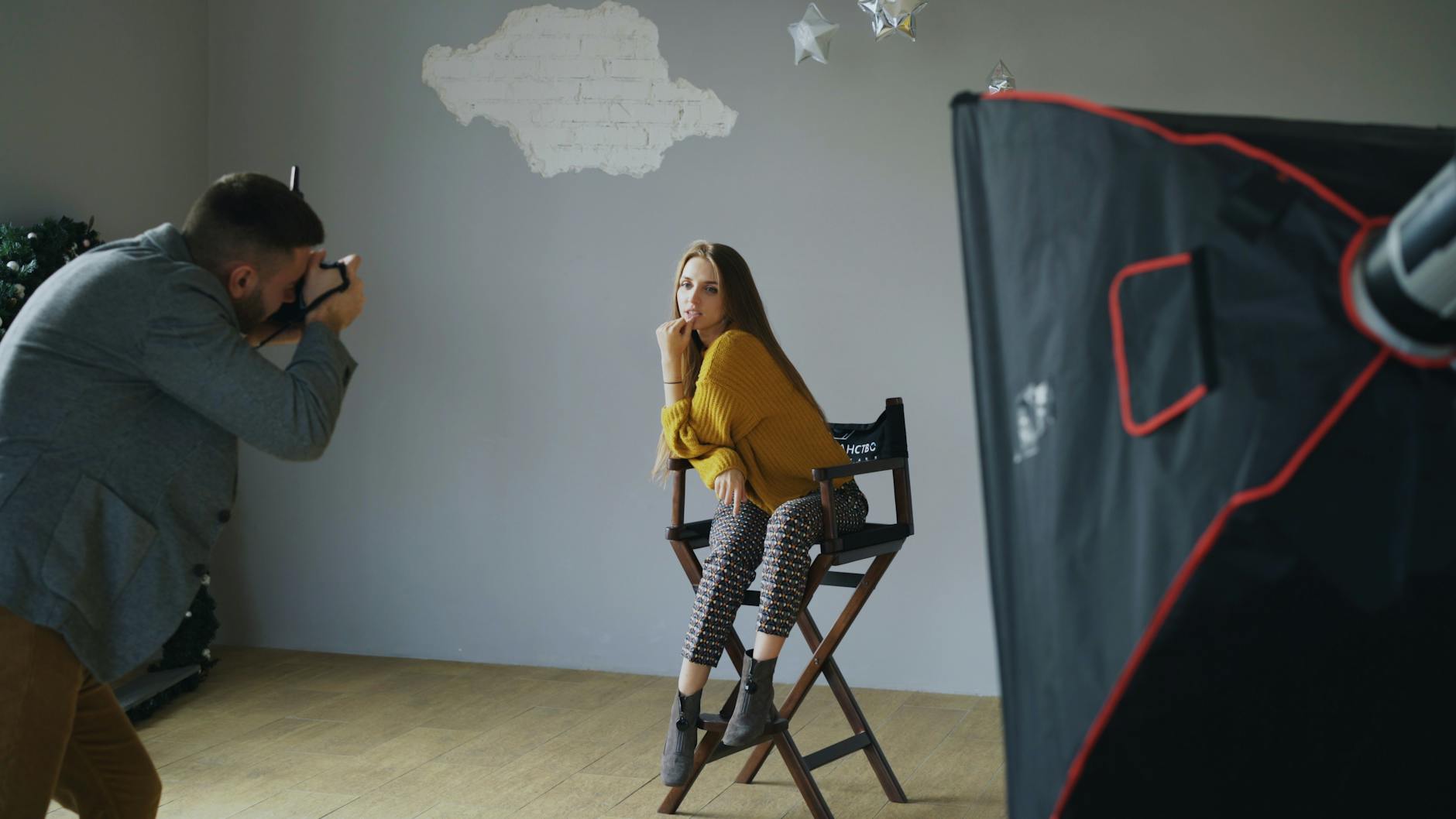
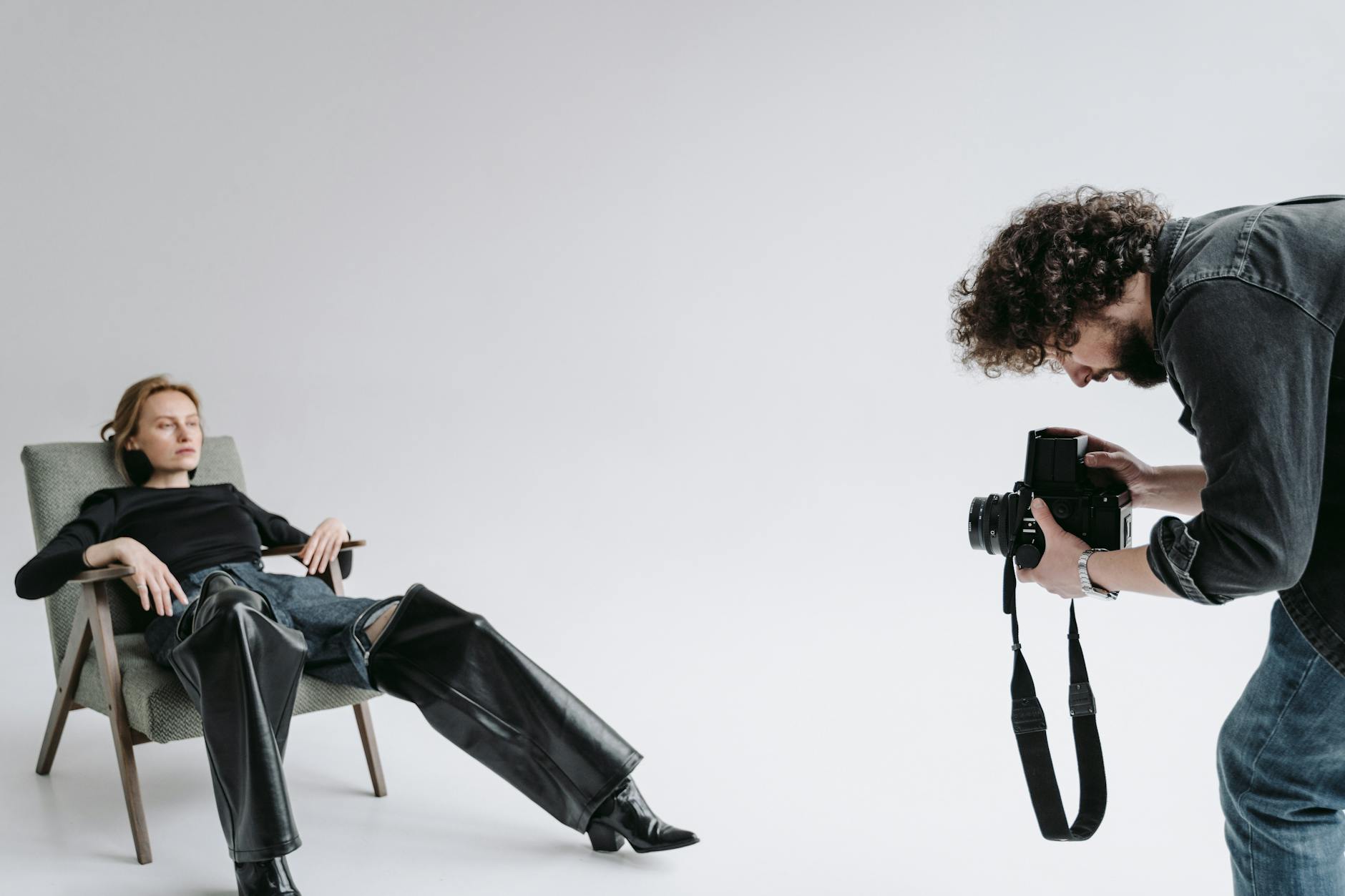
Tethered Shooting and Calibration: The Backbone of Professional Workflows I’ve been shooting tethered for nearly fifteen years, and I can tell you without hesitation: it’s the single biggest efficiency multiplier in my studio. Not just because it looks impressive to clients—though that doesn’t hurt—but because it eliminates the most expensive mistake in professional photography: shooting the wrong thing. Tethered shooting means your camera connects directly to a computer, displaying each shot on a large monitor in real-time.